

Code Snippets
Table of Contents
Code Snippets is a user-friendly WordPress plugin that allows you to run PHP code on your site without editing your theme’s functions.php file. This plugin offers a clean, organized interface for managing, activating, and deactivating snippets, making it an essential tool for both beginners and developers.
Whether you’re tweaking functionality, adding filters, or enhancing themes/plugins, Code Snippets provides a safer and more organized way to add custom code. It reduces the risk of site crashes due to syntax errors and allows you to easily manage and categorize your PHP functions.
Components
The Code Snippets plugin consists of the following core components:
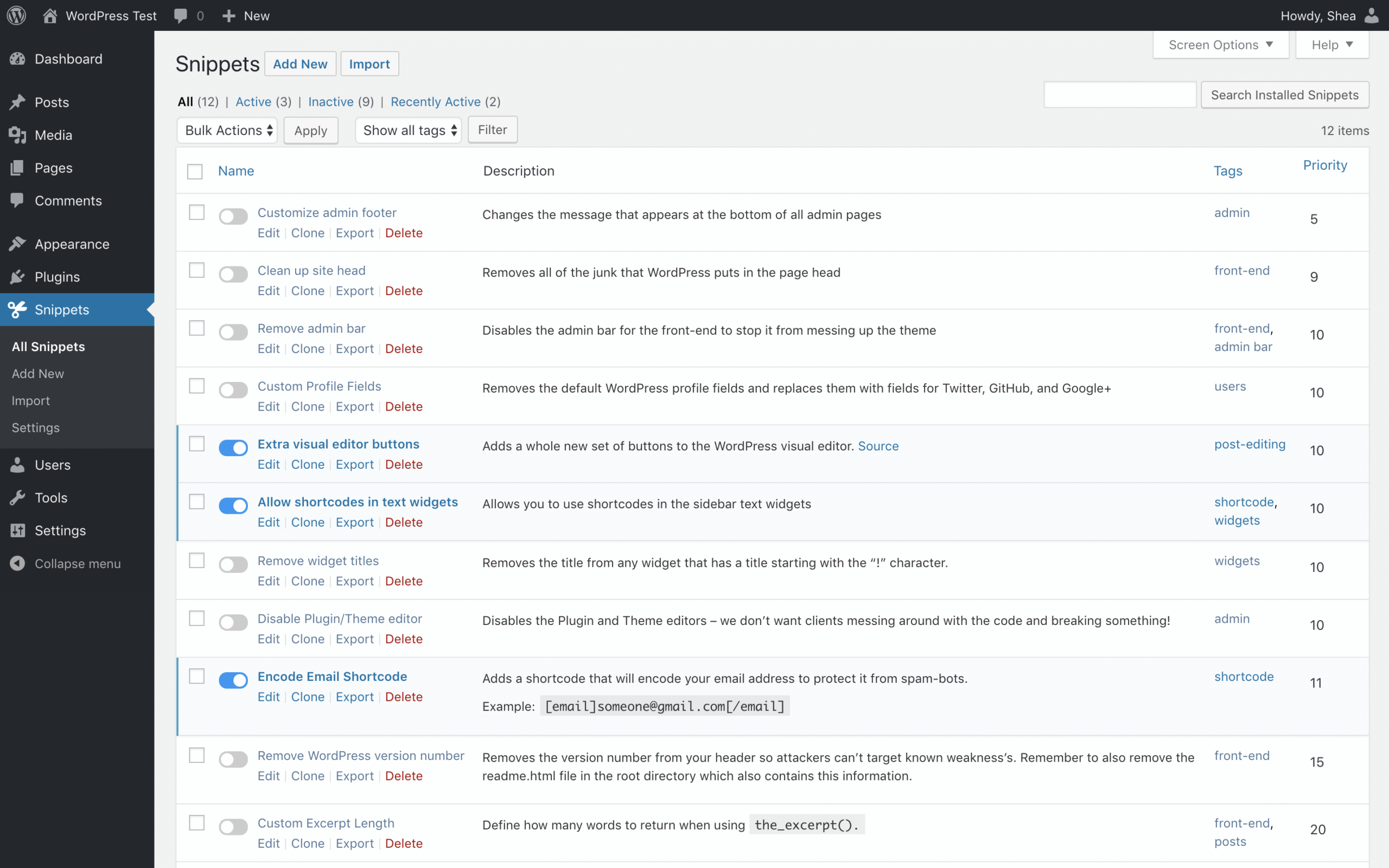
- Snippet Management Interface
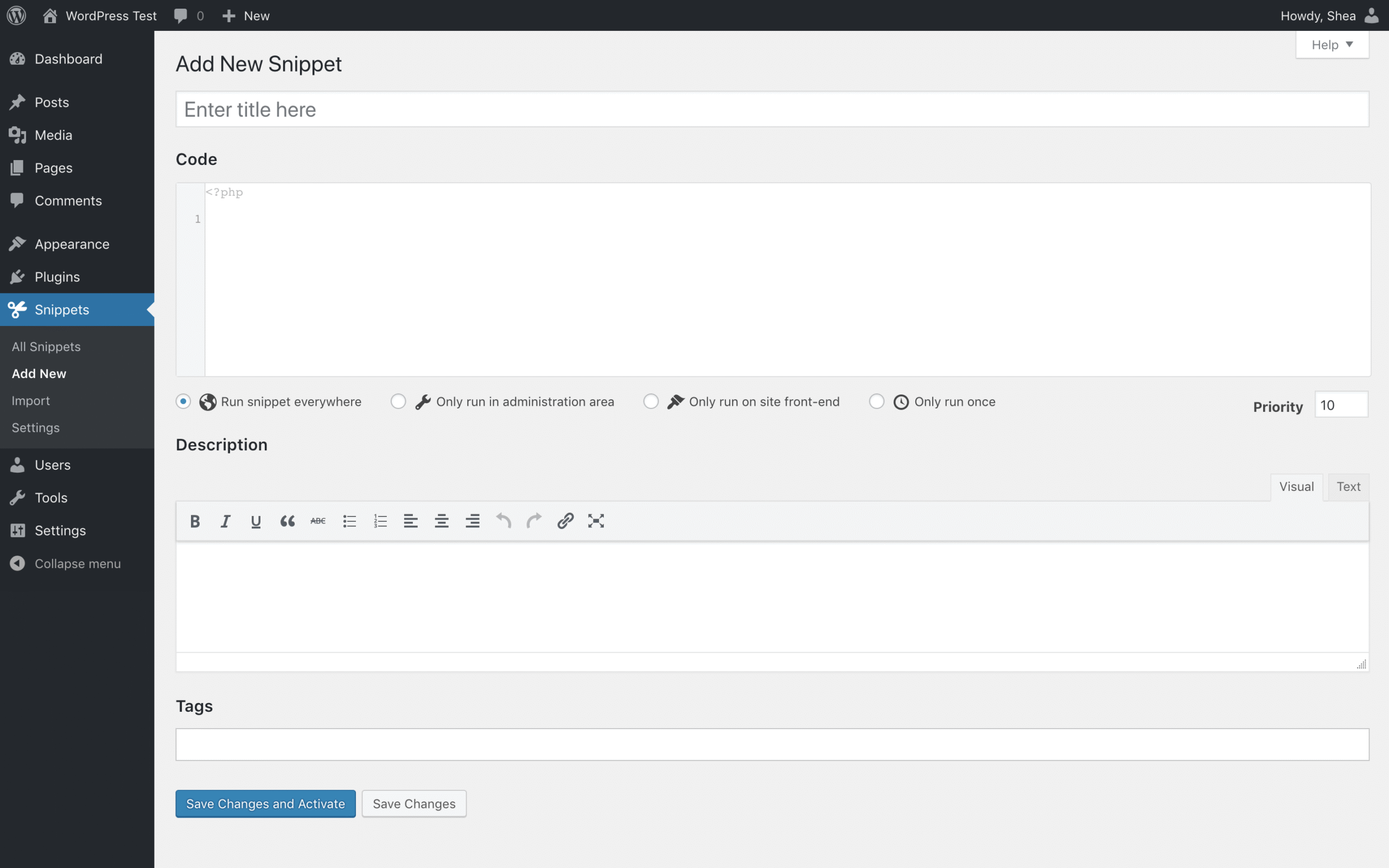
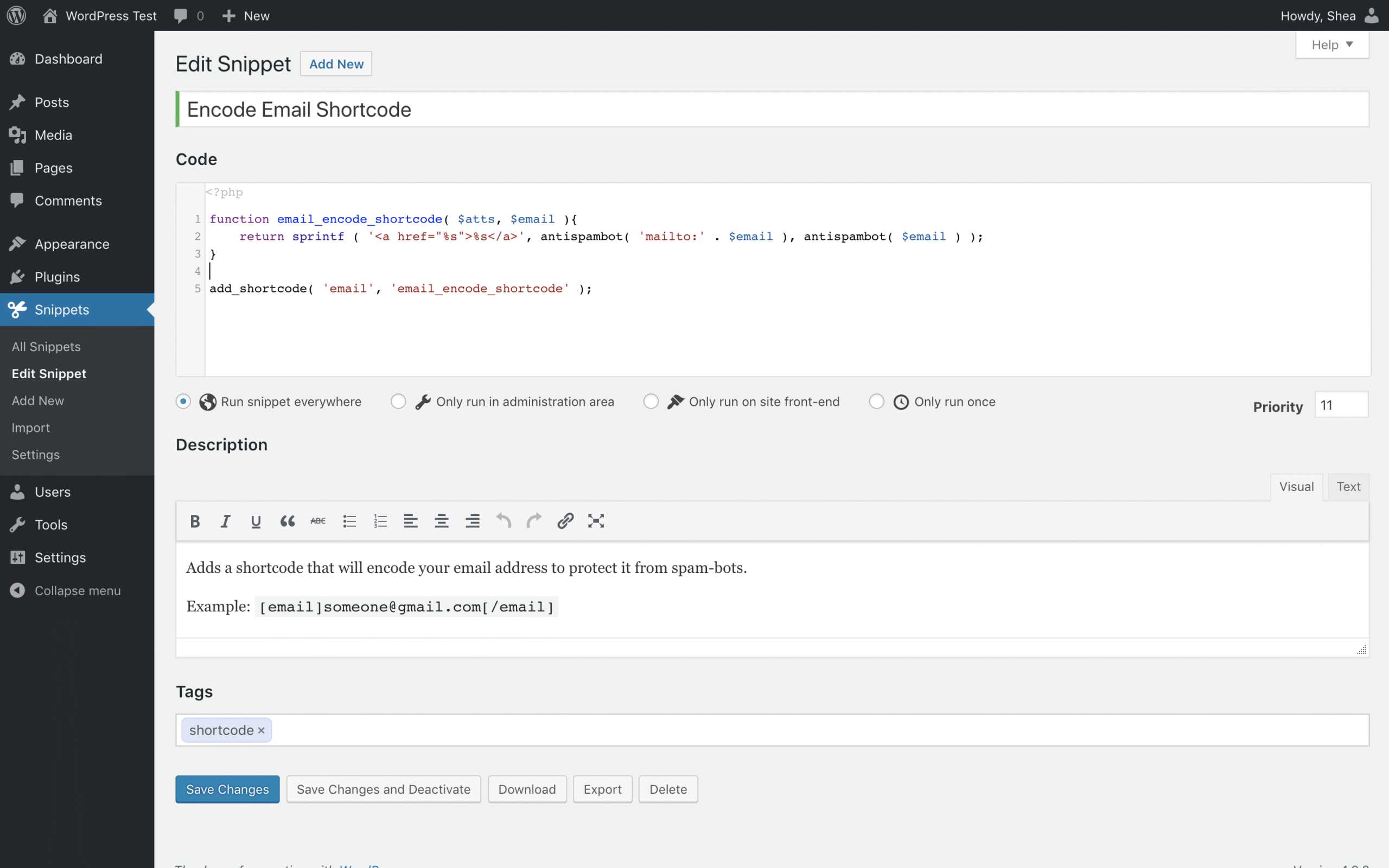
Add, edit, activate, or deactivate PHP code snippets directly from your WordPress dashboard. - Code Execution Without File Editing
Eliminates the need to touch yourfunctions.phpfile or child themes. - Scopes for Snippets
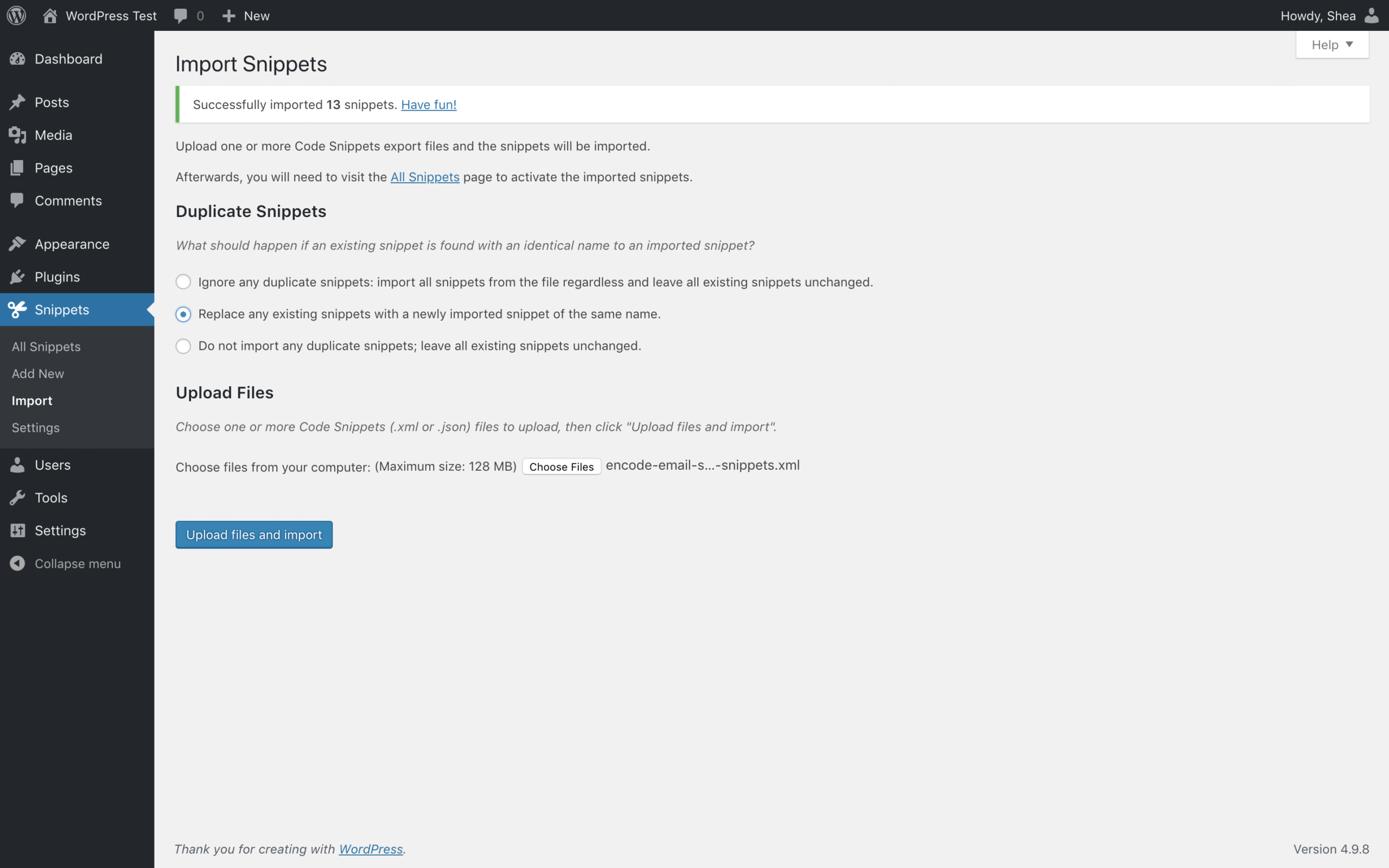
Run snippets only on the frontend, backend, or everywhere. - Import/Export Functionality
Move your custom snippets between websites or keep backups. - Tagging & Description System
Add titles, tags, and detailed descriptions for better snippet organization. - Error Protection
Built-in checks and safe mode options to prevent site crashes from broken code. - Code Library
Access pre-built snippets for common use cases (Premium).
Use Cases
1. WooCommerce Customizations
Add code to hide shipping methods, modify checkout fields, or change product display logic.
2. LMS Plugins
Inject custom code into LearnDash or Tutor LMS to alter quiz behavior, auto-complete lessons, or tweak enrollment rules.
3. Theme Modifications
Add functions like custom shortcodes, menu walkers, or breadcrumbs without editing theme files.
4. Performance Tweaks
Disable emojis, remove bloat, or disable specific WordPress features via filter and action hooks.
5. Admin Experience Enhancements
Add custom dashboard widgets, reorder menu items, or change login screen behavior.
6. Security Functions
Add user restrictions, hide login URLs, or disable REST API access.
Multisite Support
✅ Code Snippets supports WordPress Multisite. You can manage snippets on a per-site basis or network activate them, providing flexibility for super admins to deploy custom functionality across all or specific subsites.
Free vs Premium Plugin
| Feature | Free Version ✅ | Premium Version ✅ |
|---|---|---|
| Add/Manage PHP Snippets | ✅ | ✅ |
| Activate/Deactivate Snippets | ✅ | ✅ |
| Snippet Scopes (Frontend/Backend) | ✅ | ✅ |
| Safe Mode & Error Protection | ✅ | ✅ |
| Tags and Descriptions | ✅ | ✅ |
| Import/Export Snippets | ✅ | ✅ |
| Cloud Library of Ready Snippets | ❌ | ✅ |
| Scheduled Snippet Execution | ❌ | ✅ |
| Variables & Parameters Support | ❌ | ✅ |
| Pro Support | ❌ | ✅ |
Comparison with Similar Plugins
| Feature | Code Snippets | WPCode (Insert Headers & Footers) | Woody Code Snippets |
|---|---|---|---|
| PHP Code Execution | ✅ | ✅ | ✅ |
| GUI Snippet Management | ✅ | ✅ | ✅ |
| Scope (Front/Back/Everywhere) | ✅ | ✅ | ✅ |
| Safe Mode for Error Handling | ✅ | ❌ | ✅ |
| Code Library (Pre-built) | ✅ (Premium) | ✅ (Limited) | ✅ (Premium) |
| Multisite Compatibility | ✅ | ✅ | ✅ |
| Scheduled Snippets | ✅ (Premium) | ❌ | ✅ (Premium) |
📌 Code Snippets stands out for its clean interface, robust safety features, and wide adoption across different site types.
Frequently Asked Questions
1. What does the Code Snippets plugin do?
It lets you safely add custom PHP code to your WordPress site without editing theme or core files.
2. Is it safe to use custom code snippets?
Yes. The plugin offers error protection and a safe mode that prevents the site from breaking due to bad code.
3. Where are the snippets stored?
They are stored in the database, not in theme files, so they persist across theme changes.
4. Can I export my snippets?
Absolutely. You can export all or selected snippets for backup or reuse on another site.
5. Does it support conditional execution?
Yes, especially in the Premium version, where you can set parameters and schedule snippet execution.
6. How is it different from editing functions.php?
Using Code Snippets prevents syntax-related crashes and makes code easier to manage and toggle.
7. Can I use it on multisite networks?
Yes. You can activate it on individual subsites or network-wide.
8. Does it work with page builders and other plugins?
Yes. Snippets run independently of builders like Elementor or plugins like WooCommerce.
Photos: Code Snippets


There are no reviews yet.